
Delete your Organizzer account
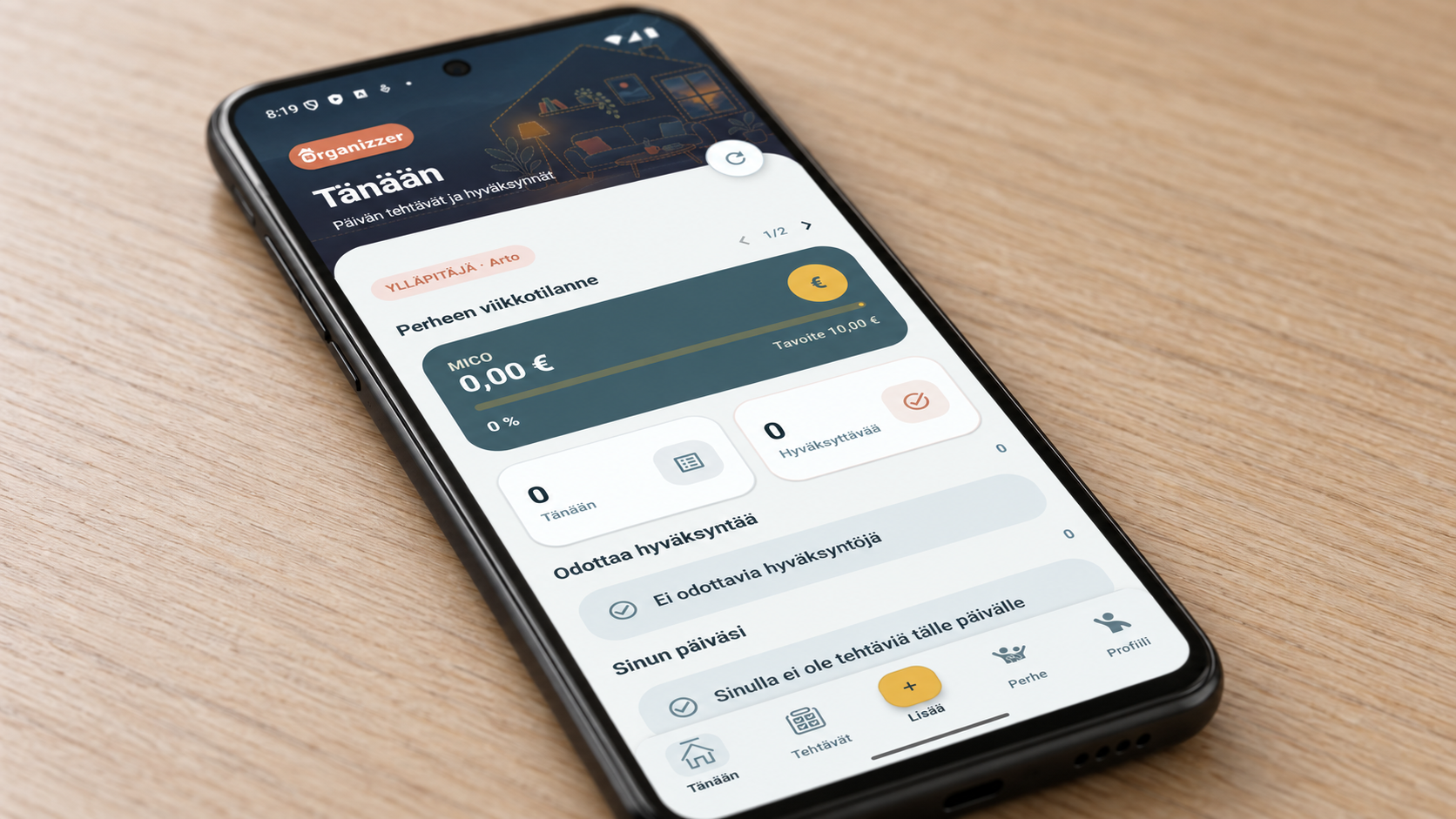
Delete your account in the app
Open Profile → Delete my account and confirm. An email-based account requires your current password in the app.
If you cannot access the app, you can request deletion of your account and associated personal data on this website.
How to request deletion on the website
Write Organizzer – account deletion request in the message below. Use your account email address. If you joined with an invitation code, include your username and family name. Do not send your password or invitation code.
ArtPlus Design Oy will verify account ownership before deleting data and reply to the email address you provide. Tell us separately if you are the family administrator and also want to delete the whole family. A member cannot request deletion of other people’s accounts.
What is deleted?
Your sign-ins, account name and email details, device notification tokens and your task messages are deleted. If the family has another administrator, it can continue using the app. Shared task history may remain without the deleted user’s name.
If you are the only administrator, deleting the whole family requires separate confirmation. This deletes the family’s tasks and reward history. Deletion cannot be undone in the app.
Support-system copies and backups are handled separately. We will explain their processing and the timeframe when handling your deletion request.
Cancel your subscription
Deleting an account does not cancel a paid subscription. Cancel your Google Play subscription separately in Google Play subscription settings.