
ORGANIZZER – FAMILY LIFE
Help and support
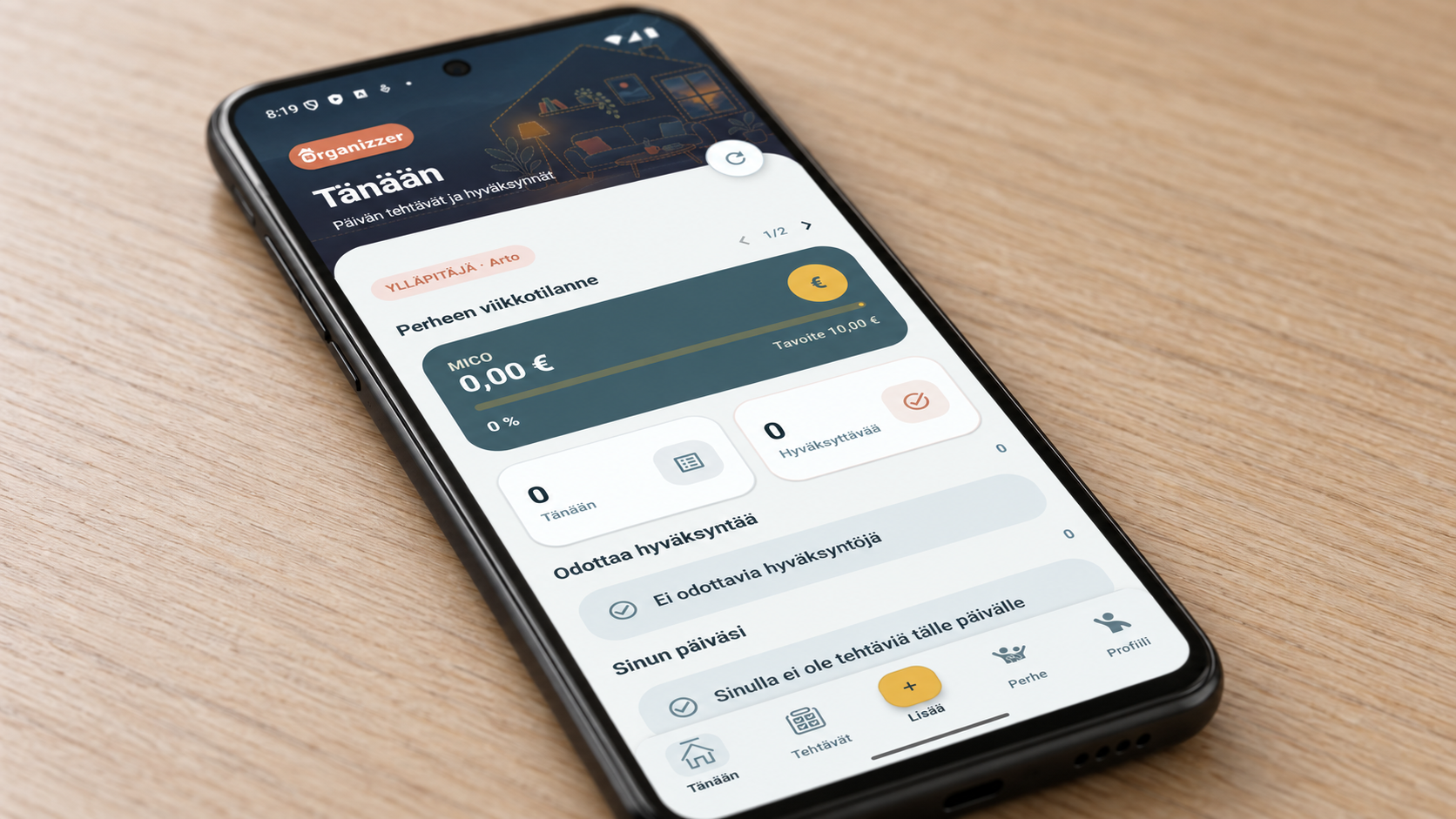
A little help with everyday life.
Find instructions for joining your family, installing the test version and managing reminders.
If you cannot find an answer, we are happy to help.
Join your family
- Open the invitation link from your family administrator on your Android phone.
- Tap Open Organizzer. The invitation code is filled in for you.
- Check your details and confirm joining.
If the app does not open, copy the code using the invitation page button. Choose Join → Paste on the app welcome screen. You can also type the code.
Install the test version
Organizzer is currently available to selected testers.
- Make sure your Google account is on the tester list.
- Join the test using the testing link you received.
- Install the app from Google Play using the same Google account.
Check reminders
- Allow Organizzer notifications in your phone settings.
- Check the reminder time set for the task.
- The app language determines the notification language.
Delete your account
You can delete your account from your profile in the app. If you cannot access the app, you can submit a deletion request on our website.
Still need help?
Send a message from the app support screen or use the ArtPlus contact form. Start your message with Organizzer.
Include your phone model, app version and what happened. Do not send your password or family invitation code.